

Workforce visibility for remote teams
See the working day, clearly.
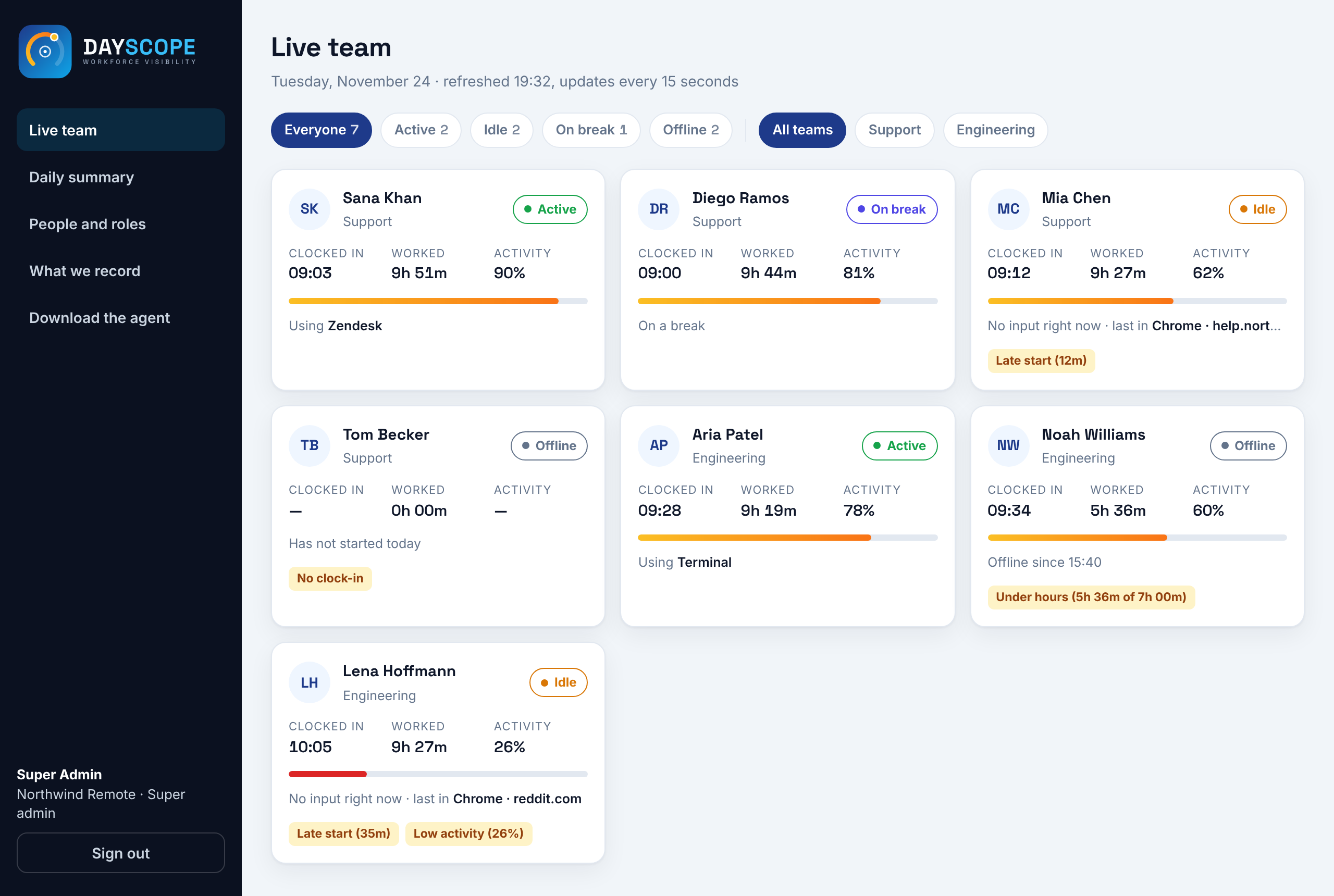
DayScope records when each person starts, takes a break, has lunch and finishes, with an activity level for the day. Managers get one live view and a daily summary.
No sign-in needed to download. Install it, then sign in with your work account.
Download the DayScope agent
Pick your computer, run the installer, then sign in. You do not need an account to download.
Windows
Checking availability…
macOS
Checking availability…
On your phone too
No app store needed. Open dayscope.com on your phone, sign in, and add it to your home screen.
- iPhone or iPad: open it in Safari, tap Share, then "Add to Home Screen".
- Android: open it in Chrome, tap the menu, then "Install app" or "Add to Home screen".
Employees can start their day, take a break and finish from the phone if the company allows it. Managers see the live team and get the daily summary. Screenshots and app activity come only from the computer agent.
Up and running in three steps
- 1
Download and install
Get the installer from this page and run it on your work computer.
- 2
Sign in
Use your account, or create one with your company code. We email you a six-digit code to confirm it is you.
- 3
Work as usual
The agent sits in your tray and records your day. You can see exactly what your manager sees.
Clear about what is recorded
Everyone who installs the agent is shown this list first.
Recorded
- Clock-in and clock-out times
- Breaks, lunch and idle periods
- Whether the keyboard or mouse was used each minute, as an activity level. Not which keys
- The name of the app in the foreground
- The town or city you work from, if your company has location turned on
- Screenshots while clocked in, on a schedule or when an admin asks for one, if your company has them turned on
Never recorded
- What anyone types: no keystroke content, no passwords
- Anything during private time, which you can switch on yourself
- Screenshots during breaks, at lunch or after clocking out
- Webcam or microphone
- Your location, unless your company turns it on, and then never during private time
- Any device that does not have the agent installed